Filament Manager App
A downloadable program for Windows, macOS, and Linux
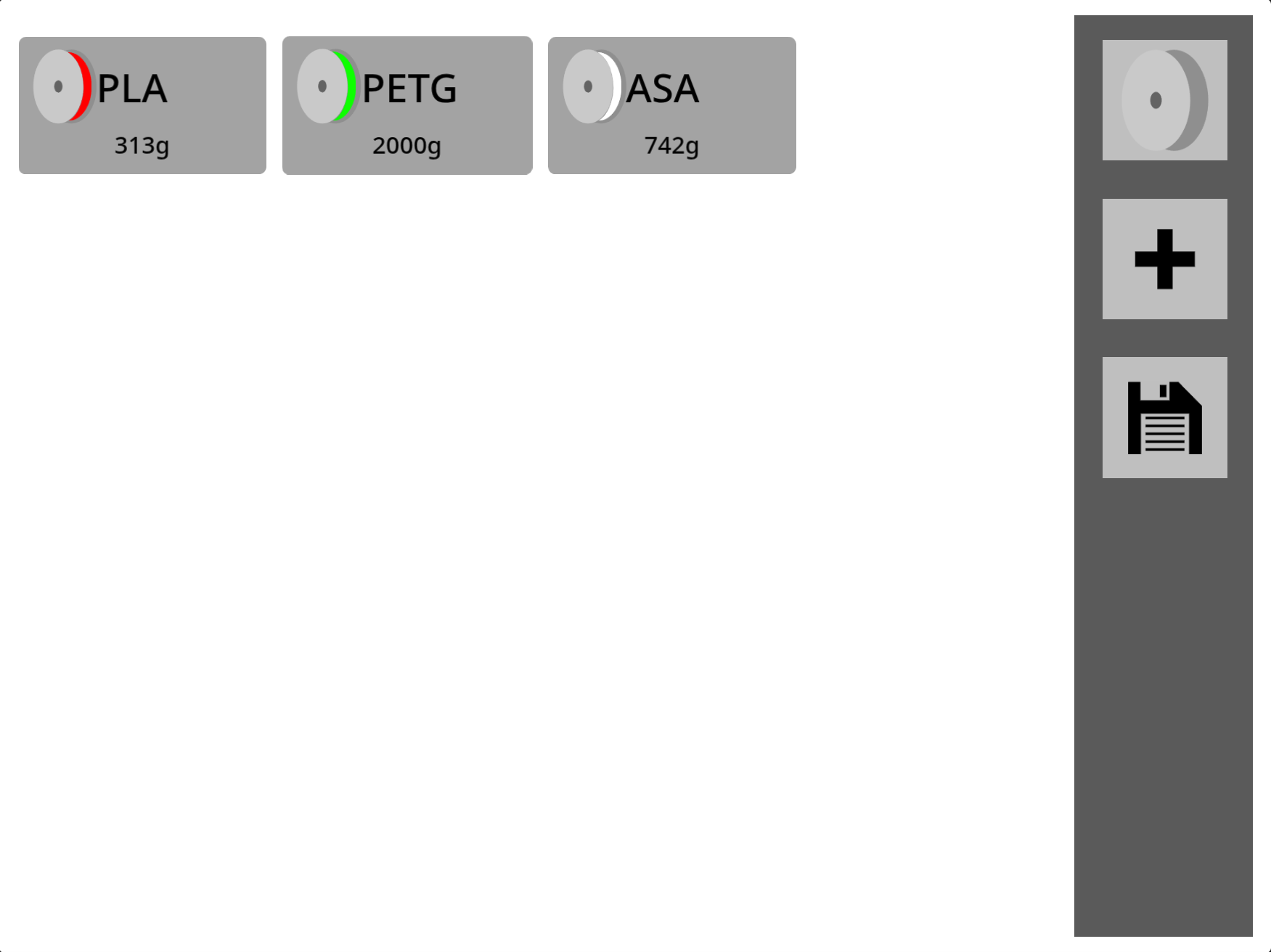
Filament Manager App is a program that allows you to keep track of your 3D printing filaments, by tracking the different types of filaments and how much you have.
Downloads are available for Linux, MacOS, Windows, and an HTML file is also available.
SOURCE CODE
This program uses the Turbowarp Engine to run. Turbowarp is a fork of the Scratch 3.0 Engine, which allows it to run faster and easier. You cannot run this program on the Scratch Website because it includes custom blocks like 'Animated Text' (Text engine) and 'Files' (Save/Load files on a drive).
To view source code: download 'Filament Manager App.sb3', go to Turbowarp. In the top left, go to file > load from your computer > select the file. Here you can see the source code in the Scratch 3.0 Engine.
To fully utilize the software in the engine, in the top left, go to Advanced and set the following options to:
-Check 60fps mode, then "click to use a framerate other than 30 or 60." Set it to 120.
-Check "Infinite Clones", "Remove Fencing", and "Remove Miscellaneous Limits".
-Set the stage size to 960x720
REPACKAGING THE SOURCE CODE:
If you've made changes to the source code and want to re-package it, first download your file by going to the top left and going to file > save to your computer. Then go to Turbowarp's Packager and upload the .sb3 file you just got. Make sure framerate is set to 120, and Infinite Clones, Remove Fencing, and Remove Miscellaneous Limits is all checked, as well as setting the resolution to 960x720. You can ignore the rest of the settings (unless you want to change them) until you reach the Environment section. Select your platform of choice and follow the instructions that pop up. When you're ready, you can press the red "Package" button to download the packaged program. If you want to see what your program looks like, you can select the Preview button.
Download
Install instructions
DOWNLOADING FOR LINUX/MAC/WINDOWS:
Extract the .zip file, and find the file named "Filament Manager App". Windows will have .exe
DOWNLOADING SOURCE CODE: